You debugged the code on your screen
5 min read
The failure remembers the commit that was live. The file in your editor may be a later one. Set the release, then read that commit.
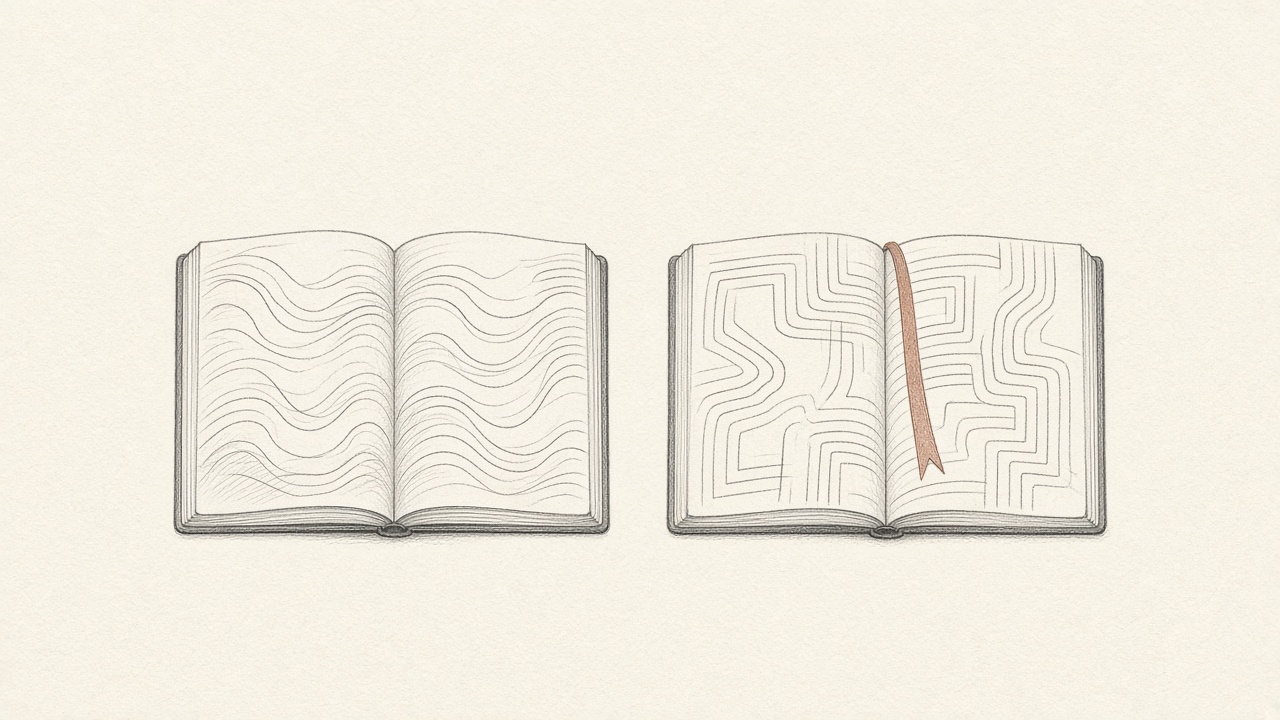
The file on your screen may not be the file that failed. You pulled this morning. The failure happened last night. You fixed a function that the running app has never called. The trace still matches a line number, and the line number now belongs to a different statement. You debugged a neighbor of the bug.
Bugwalk remembers which version was live when the failure happened. An investigation reads that commit, not whatever is on the default branch today, unless that is all it has. You set this by putting the git commit SHA in BUGWALK_RELEASE at build time. Without that, a report can describe the visit and still cite the wrong generation of the file.
The file you have open
Editors feel like the product. The buffer is the code, the tests pass, the branch is the one you trust. Production is a commit you already pushed, built, and forgot. Between those two moments someone merged a refactor, a formatter moved a line, or you renamed the function you are staring at. The line number in the stack trace is a coordinate in a file that has since changed shape.
This is the ordinary way a short failure becomes a long one. You reproduce nothing, because you are exercising the new code. You add a log line, ship it, and wait for the next person to hit the old path. You were never looking at the failure. You were looking at its descendant.
Staging does not save you by default. A staging deploy is a different release, with a different SHA, and the person who wrote the ticket was not on it. Checking out the branch that staging built is still a guess about production. The visit has to name the release that served them. If you keep one project for production and another for staging, each one remembers its own commits. Mixing them is how a line that is fixed in staging gets cited for a production failure that never ran that build.
The version that was live
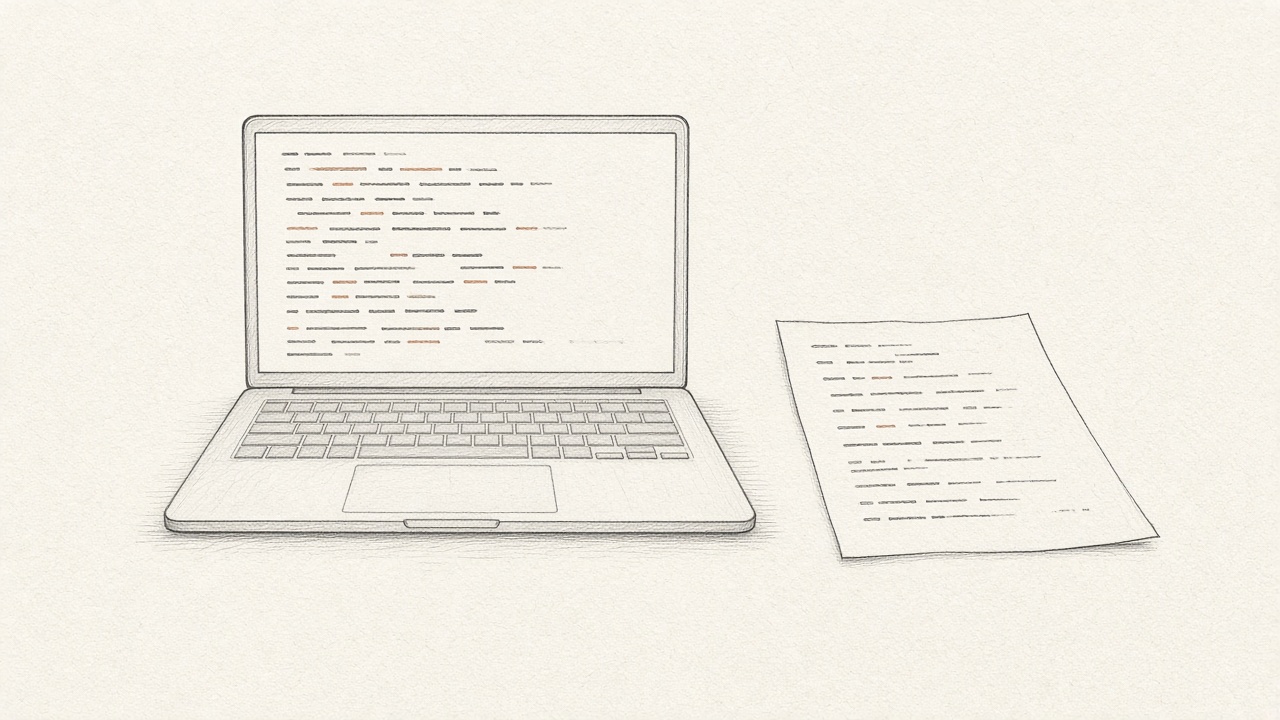
The version that matters is the one that served the request. Not the branch you have checked out. Not the pull request you meant to ship. Not the hotfix you are about to write on top of main. The commit that was built into the artifact that answered that person.
A release is that commit, tied to the events that happened while it was running. When the failure is stored with the release, you can open the file as it was, at the line the process actually reached. GitHub on a project exists for this. An investigation can describe a timeline with no code at all. It can point at a line only if it can read the code that was deployed.
Check out the commit that served the request. Then read the line. Not before.
How a release gets remembered
In the build, set BUGWALK_RELEASE to the commit SHA. The same value belongs on the frontend build and the backend build when they ship together. Project, Repositories lists releases and shows the short SHA, or says there is no commit when the release could not be placed. A missing SHA is not a small warning. It means the next report may cite a file the failure never ran.
Connect the repository during setup, or come back to it when you want a report to cite a line. You pick the repositories the GitHub App may see. The connection belongs to the project, not to the whole workspace. A web app, an API, and a worker can all be attached to the same project. The agent reads the commit your release reported.
What to do before you edit
Before you change a line, answer which commit failed. If you cannot, you are editing a guess. Look at the release on the visit. If it is empty, fix the build so the next failure has one, and be honest that this failure does not. Do not paper over a missing SHA by reading main and hoping.
A short SHA on the visit is enough to check out. You do not need the whole history of the repo in your head. You need that one commit in the working tree, the visit beside it, and the humility to treat every other file on disk as unpublished. The people who hit the failure already ran the experiment. Your editor is not a second copy of production unless the SHA says it is.
Then read the visit, not only the file. The line is the end of a sequence: the page, the click, the request. The stack trace is not the bug if you only have the frame. The frame plus the wrong file is worse, because it feels like you have both pieces.
The pull request is for that version
A qualifying investigation can open a pull request on a new branch after it has read the deployed commit. The diff is against the code it was allowed to read, not against a story you told a chatbot about the file you happened to have open. It still cannot push to the default branch, comment, merge, or write to your database. Merging stays with a member of the workspace.
Review the diff against the failure, not against your taste. The question is whether this change answers the visit: this person, this request, this commit. If the release was wrong, the diff can be a clean edit to the wrong generation of the code. Set the SHA in the build before you trust the line numbers. The install notes are where that variable sits next to the rest of the setup.
Questions
Why do line numbers lie after you pull?
A stack frame is a coordinate in the file that ran. Later commits move lines, rename functions, and change the statement at that number. The editor shows the file you have now. The failure happened in the file that was deployed.
How does Bugwalk know which commit was live?
Set BUGWALK_RELEASE to the git commit SHA in the build. The visit keeps that release. An investigation reads the repositories you connected, at the commit the release reported, instead of the default branch today.
What if the release has no commit?
The report can still describe the visit. It should not be trusted for a line number. Fix the build so the next failure carries a SHA. Do not guess from the branch you have checked out.