The stack trace is not the bug
5 min read
A stack trace names the line that threw. It does not name the person, the click, or the request. Here is what to read instead.
A stack trace names the line that threw. It does not name the person who got stuck, the click that led there, or the request your app made on the way. That is why a production failure can sit in front of you as a perfect frame and still take the afternoon.
Bugwalk is an AI debug engineer. It keeps what a person did, what your app did, and the error on one visit, then points at the line that was live. The report cites an event or a file and a line. If the proof is thin, the report says so. A later step can open a pull request on a new branch. You review it. Nothing merges until you say so.
What a stack trace names
A frame is a file, a function, and a line. Sometimes it is a message. If the exception is honest, that line really did throw. The trace is not lying. It is answering a narrower question than the one you have.
The question you have is why this person could not finish. The trace answers where the process stopped. Those are different questions. Say the failure is a coupon the discount table does not know. Checkout throws inside applyDiscount. The frame shows that function. It does not show the code they typed, the form that accepted it, or the request body that carried it through. The line is true. It is not the story.
Read the frame first. Then notice what it refuses to say. It will not say which page was open. It will not say what was clicked. It will not say which request failed, or what that request sent, once secrets are gone. It will not say whether twelve other people hit the same line this morning or whether this is the only one. A precise location with no map still leaves you lost.
What it leaves out
The missing pieces are ordinary. Someone was on a page. They typed, they clicked, they waited. Your app made a request. The request failed, or a later line threw because of what came back. A log line may have been written beside it. The version that was running may not be the version in your editor. None of that is in the trace. You already know this, because the next move is always the same: open the logs, open the page, open the file, and hope the times line up.
Teams treat the trace as the whole document because it looks complete. It has a file. It has a number. It looks like evidence. Evidence of where the process stopped is not evidence of why this person got stuck. If you only paste the trace into a chat and ask for a fix, you are asking a model to invent the visit. It will. The invention can even compile. It is still a guess about a person it never saw.
The three places you open next
Logs show what the process wrote down. They are good at a message and a time. They are bad at a person, unless someone remembered to log an id, and bad at the page, unless that was logged too. A line that says the coupon was not found is a clue. It is not the visit. You still have to find the request, then the person, then the page they were on when they sent it.
The page, or a recording of it, shows what they did. It does not show the query your server ran, or the line that threw after the response came back. A click on Apply is not the failure. The failure is why Apply could not finish. Watching the click again tells you the gesture. It does not tell you the row that was missing.
The code shows the line you have open. It may not be the line that ran. If you shipped this morning and the failure was last night, you are reading a file the failure never saw. That mistake has its own note: you debugged the code on your screen.
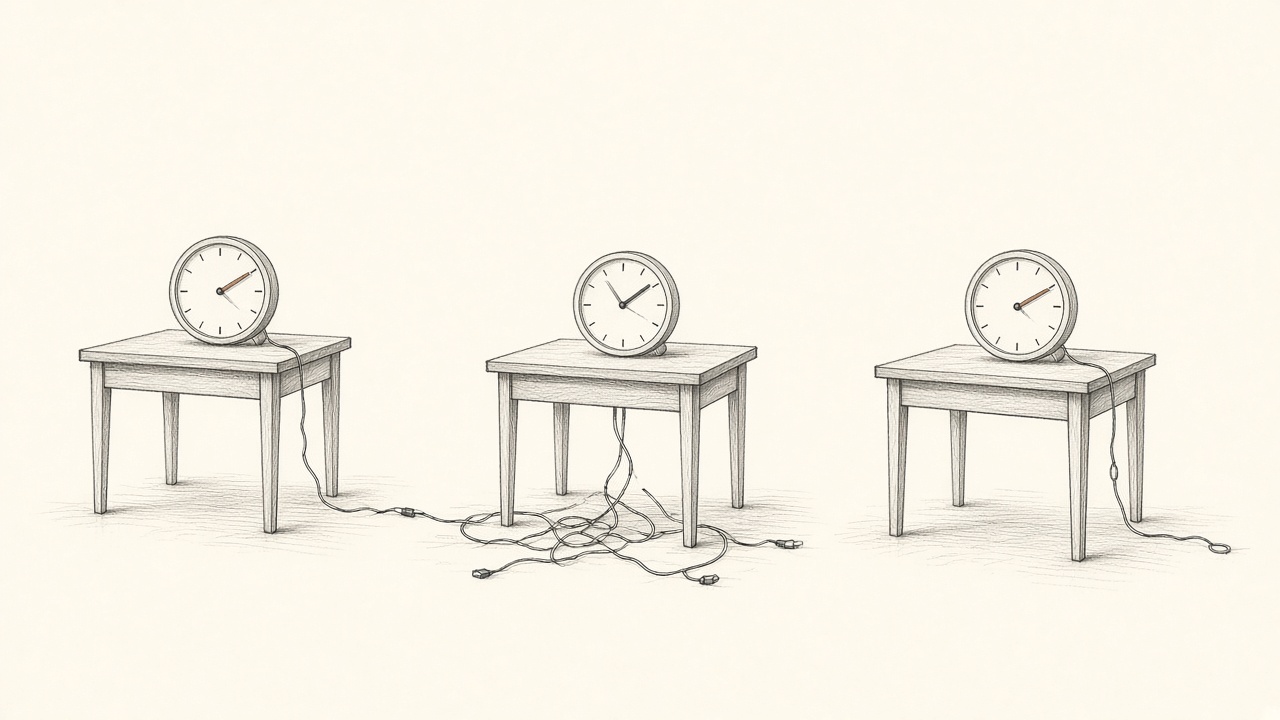
The trace did not put the story together. You do, by hand, every time someone says it broke.
What to ask instead
Ask four questions, in this order. Who got stuck? An email or an id is enough. If the only thing you were handed is a trace with no name on it, you are starting from the wrong end. What did they do? The page, the click, the field. Not a paraphrase from a ticket. What did the app do? The request, the status, the error, the log line written beside it. Which version was live? The commit that actually ran, not the branch you have checked out because it is Tuesday.
When those four have answers, the line in the trace becomes useful. Before that, it is an address with the street missing. The ticket that only says it does not work is the same gap, seen from the other side. That one is the ticket that says it does not work.
How Bugwalk answers
Bugwalk records page views, clicks, requests, errors, and logs on one timeline per person, after you call identify() with an id or an email. A failure stays on that visit. Search the email they already sent you and the visit is there. The events are the pages, the clicks, and the requests. Search starts from the person, not from a frame that has no name on it.
An investigation reads that timeline, other visits that look the same, and the repositories connected to the project. It cites the commit your release reported, not whatever is on the default branch today. Every finding points at an event id or a file and a line. A finding with no citation is marked that way, on purpose. Low confidence is shown, with the reason. Treat that report as a lead.
If you want the change written, a qualifying report can open a pull request on a new branch. It cannot push to the default branch, comment, merge, or write to your database. You decide when it merges. The trace is still there. It is no longer the whole document. What an AI debug engineer actually does is the longer version of that step.
Questions
What does a stack trace leave out?
It leaves out the person, the page, the click, the request, and the version that was live. It names the line where the process stopped. It does not explain why that person could not finish.
Why is a stack trace not enough to debug production?
Production failures cross the page, the request, and the code. Those three rarely share a clock, and the file in your editor may not be the file that ran. A frame is one of those pieces, not the visit.
How does Bugwalk use a stack trace?
The error stays on the visit, next to what the person did and what the app did. An investigation can cite the line in the commit that was deployed. The trace is evidence. It is not the whole answer.