Logs, replay, and APM are three rooms
5 min read
Logs, session replay, and an APM each show one piece of a failure. The person, the request, and the line were one visit. Read them together.
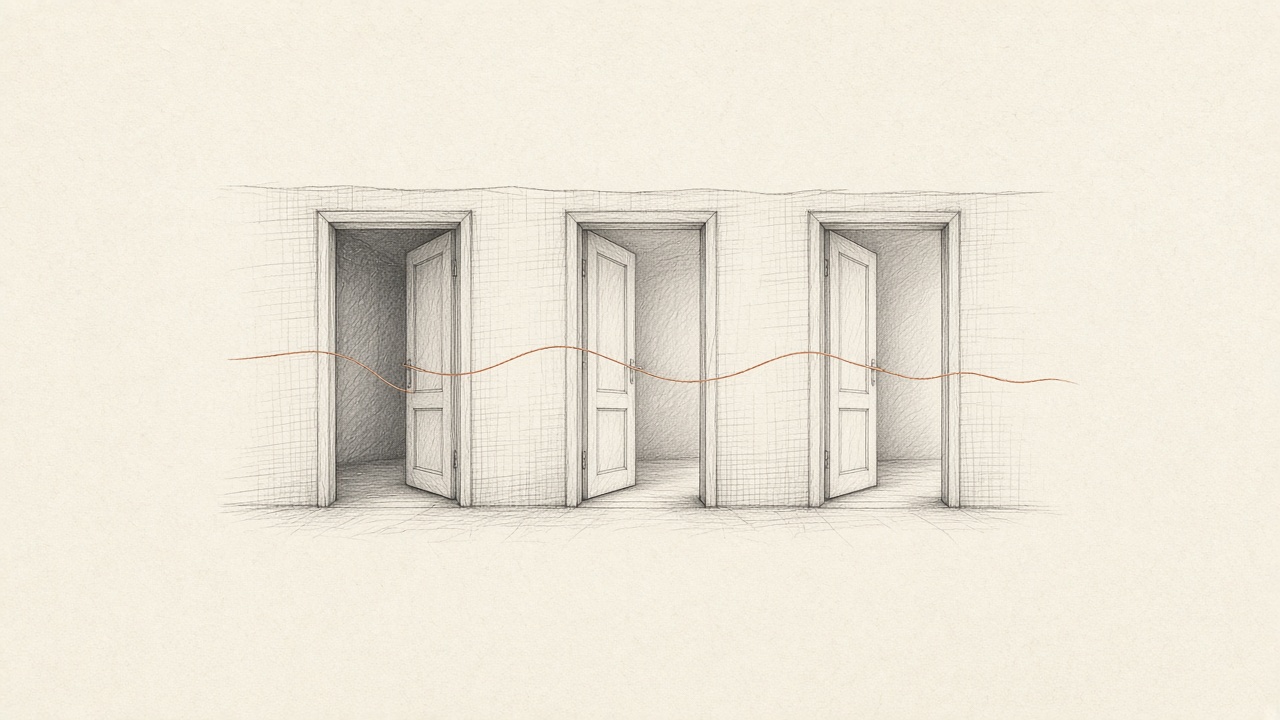
Logs, a session replay, and an APM are three ways to see one failure. Each one is good. None of them is the visit. The log has the message and the time. The replay has the page and the click. The APM has the request, the status, and sometimes the line. The person who got stuck walked through all three, and the tools stayed in their rooms.
Bugwalk keeps those pieces on one timeline per person: page views, clicks, requests, errors, and logs, after you call identify() with an id or an email. An AI debug engineer can then read that visit and the commit that was live, and cite a reason you can check. The rooms do not go away. They stop being three investigations.
What logs are good at
A log is a sentence the process decided to write. It is good at a message, a level, and a timestamp. It is good when someone logged the id, the route, and the error on purpose. It is bad when the useful fact was never logged, which is the usual case, because you did not know yesterday which fact today would need.
Logs are also bad at a person you can search by the email on a ticket, unless that email was in the line. They are bad at the click that sent the request. You can grep a message. You cannot grep the hesitation before they pressed Apply. When the ticket says it does not work, a log search starts from words they did not use. The note on the ticket is that problem from the queue’s side.
What a replay is good at
A session replay shows the page. The pointer, the scroll, the field, the click. It is the right tool when the question is what they saw and what they did with it. It is the wrong tool when the question is which query ran, which status came back, or which line threw after the response.
Watching the click again feels like progress. It is progress on the gesture. The failure is often one step past the gesture, in the server, in a row that was missing, in a version of the code the replay cannot open. A recording of Apply does not contain the discount table. You still leave the room.
What an APM is good at
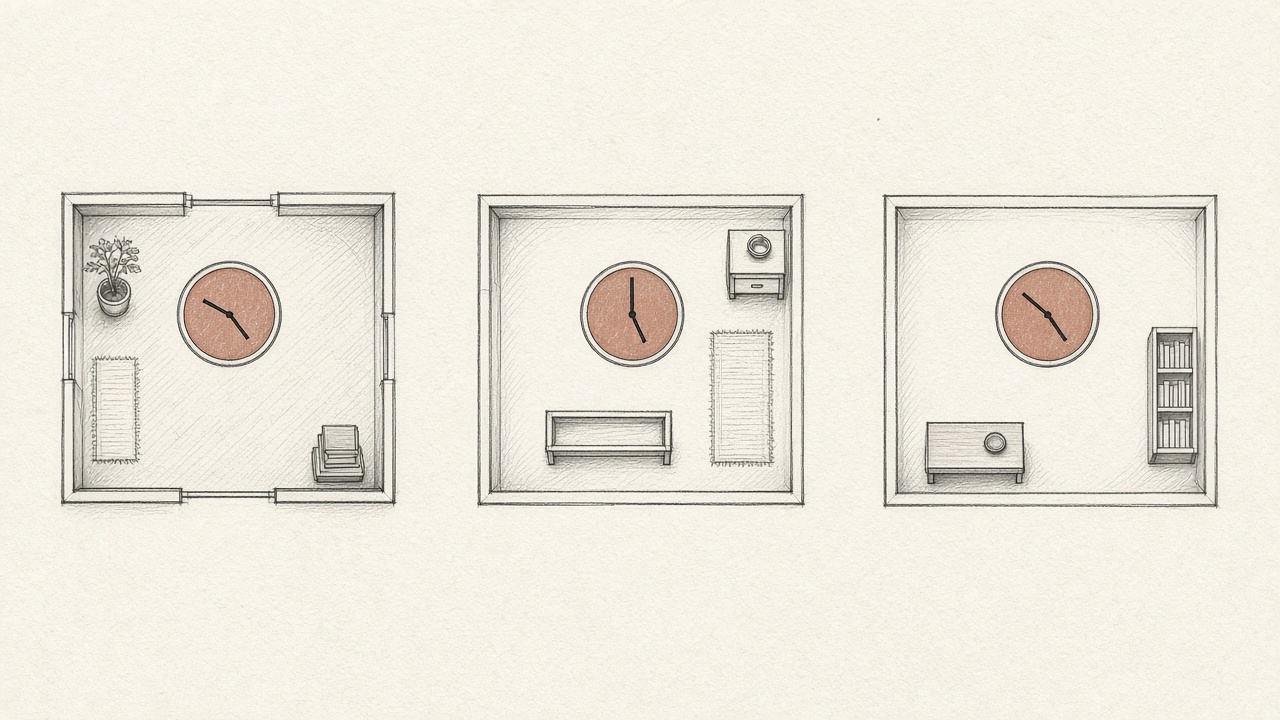
An APM is good at the request. The route, the duration, the status, the span, sometimes the frame. It answers whether the server was slow or wrong. It does not answer who was on the page, or what they had typed into the field that became the body. A trace without a person is a stack trace with better neighbors. Still a location. Still not a story.
APM views also drift toward the code you can reach now. The span was recorded against a deploy. If you jump to the file in your editor, you may be in a later commit. The release has to travel with the event, or the line number is a coordinate in a file that has moved. That is the version that was live.
The failure crossed all three
Put a single checkout on the table. The person opened the cart, typed a coupon, and pressed Apply. That is the replay. The browser sent the code. The server looked it up, missed, and threw. That is the APM, and the log line if anyone wrote one. The coupon was never in the table. That is the code, at the commit that was deployed. No single room holds the sequence. The sequence is the product of walking between them with three clocks that do not match.
You do not have a tooling gap. You have a walking-between-rooms gap.
The cost is not the licenses. The cost is the reconstruction. Every ticket becomes a small research project: find the log, find the session, find the trace, align the times, then doubt the file. The work is clerical. It feels like debugging because the last step is a line of code. The hour before that was alignment.
Naming the products does not close the gap. A better log search, a clearer replay, a faster trace: each improvement stays inside its room. You still leave the room to answer the question the person asked, which was why they could not finish. The join is the product. Until something holds the page, the request, and the line on one visit, you are the join.
One visit, one reason
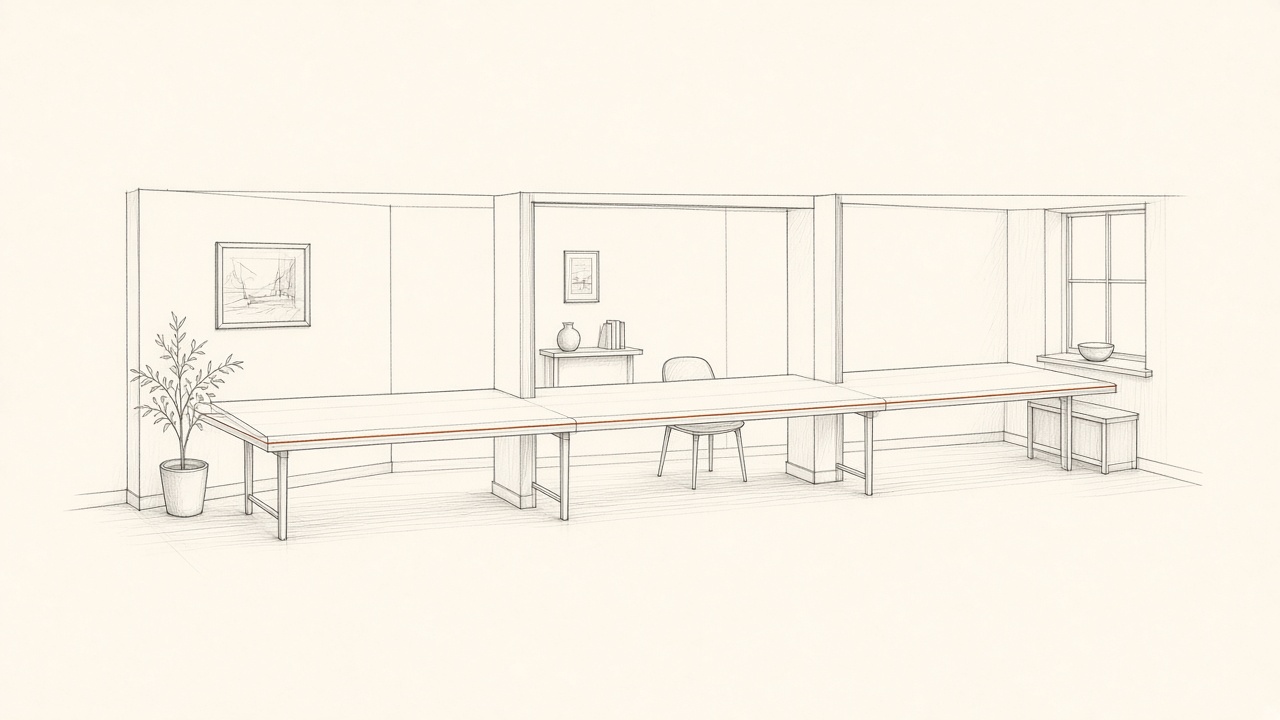
Bugwalk records the page, the click, the request, the error, and the log on one timeline, for one person. Events are those pieces. You search the email, open the visit, and read them in order. You are not exporting three tools into a spreadsheet to see if 16:04 in one product is 16:04 in another.
From that visit, an investigation reads the timeline and the connected repositories at the commit the release reported. The report says what happened, why, how sure it is, and what to change. Every finding cites an event or a file and a line. If you want the change opened as a pull request, that is a separate step, and you still merge it. What an AI debug engineer actually does keeps those limits in one place.
Keep the log tool, the replay, or the APM if they earn their place. Bugwalk is not a demand that you throw them out. It is the visit they were each holding a piece of. If you are adding it to an app, the frameworks page and the docs are the install, not this note. The install is a project key and one identify() call. The note is only the reason to bother.
Questions
How do logs, session replay, and an APM differ?
Logs are what the process wrote down. A replay is what the person did on the page. An APM is the request, the time, and often the frame. Each one is a room. A production failure usually crossed all three.
Why is it hard to debug across those tools?
The timestamps do not line up, the person is missing from the log, the request is missing from the replay, and the file in your editor may not be the commit that ran. You spend the time joining rooms, not reading the cause.
What does Bugwalk keep on one visit?
Page views, clicks, requests, errors, and logs, on one timeline per person after identify(). An investigation can cite the line in the commit that was live. You can still keep a log tool, a replay, or an APM beside that.